

SHOP
Issues With "No Ads" Pack
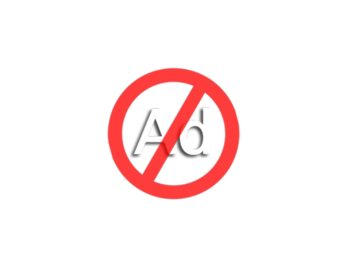
If you notice that ads are still appearing despite purchasing the "No Ads" package, please follow these steps to resolve the issue:
1. Check your purchase status:
- Go to the Store and find the "No Ads" option.
- If the button says "Buy," move on to the next step.
- If it says "Installed," the package should be active. If ads are still showing, proceed with the following steps.
2. Restore your purchase:
- Click the "Restore" button if the "No Ads" button says "Buy."
- If the status doesn’t change to "Installed," try repurchasing the package.
3. Repurchase (free of charge):
- Select "Buy" in the store again. If your previous purchase was successful, you won’t be charged again.
4. Contact support:
- If the issue persists, please contact our support team for assistance.